01 Automatic cuts
Skip the silence.Keep the story.
Type /silences and let CutMate find the dead air. Cuts land on your timeline, ready for you to review and refine.
/silences/clean
Try it on your next video Automatic cutsCutMate
Silences gone. Captions ready. Your first cut, powered by AI. Less repetitive work. More time to tell your story.
See what happens when your editor has an assistant.
Type /silences and let CutMate find the dead air. Cuts land on your timeline, ready for you to review and refine.
Generate word-synced captions, pick your style and translate them into 9 languages. All from the same panel in Premiere.
Choose your format, length and style. CutMate builds an edit with cuts, captions and transitions. You decide what makes the final version.
Everything you'd normally do with 4 or 5 different tools, in one panel inside Premiere.
Finds and removes silences and filler words (uh, um, like…) across the whole sequence.
/silences/cleanWord-synced, styled captions, translated to 9 languages. Export SRT, VTT or MOGRT.
/captionsPick a format (Reels, TikTok, YouTube), length and style. AI builds the cut with edits, captions and transitions.
7 templatesRe-edit by chatting: describe the video you want, it proposes a version, you refine it in plain language.
/magicTitles, SEO description, hashtags, chapters and best moments, pulled from your own video.
/titles/chapters/highlightsClean background noise, generate voice-over and SFX from text, detect who speaks and isolate one person.
/denoise/narrate/sfx/transcribe/silences/clean/captions/chapters/highlights/magic/titles/description/hashtags/summary/denoise/narrate/sfx/speakers/onlyspeaker/searchHalf of editing is repetitive work. CutMate does it for you, and you keep the creative calls.
/silences Silences gone in one command/captions Word-synced captionsPanel Everything happens inside PremiereAuto Editor Reels & TikTok cut, ready/titles Titles, description and hashtagsDownload it, sign in, and it shows up in Premiere under Window → Extensions → CutMate.
Use a command like /silences or /captions, ask the chat in your own words, or pick a template in the Auto Editor.
Changes land on your timeline as regular cuts and clips. Everything stays editable: you have the final say.
Podcasts, gaming, cooking or travel: cutmate handles the boring part of editing so you keep the creative part.
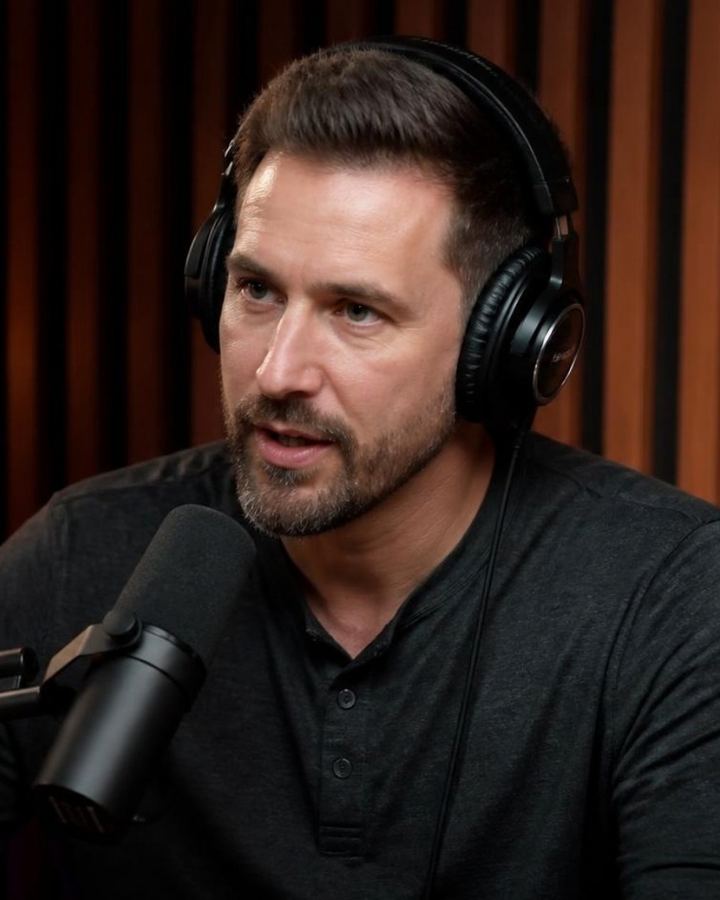 Podcasters /clean
Silences and filler words gone in one command.
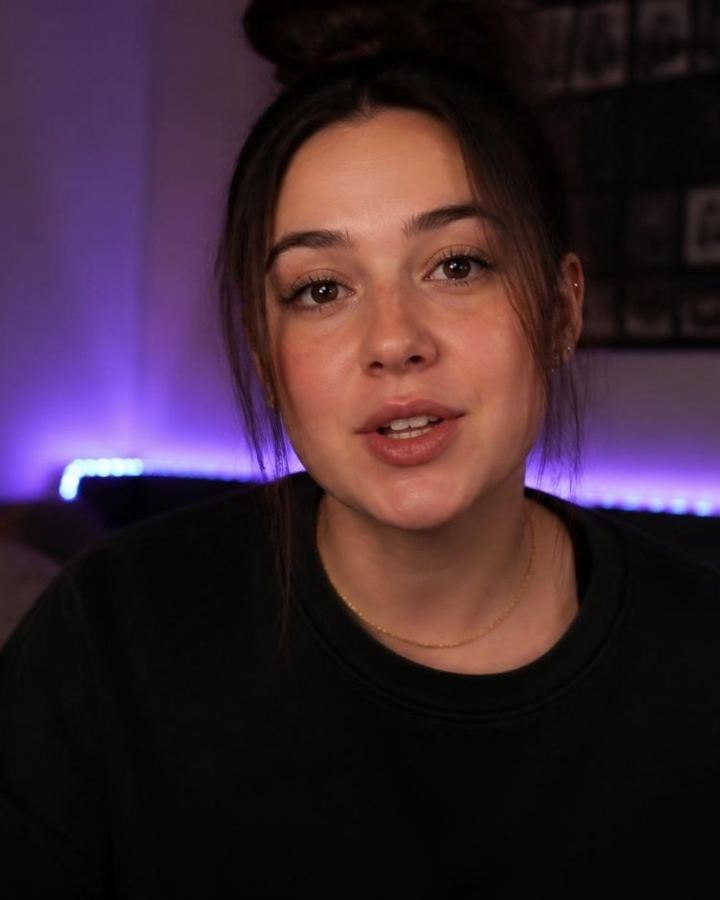 YouTubers /titles
Jump cuts, captions, titles and description, done.
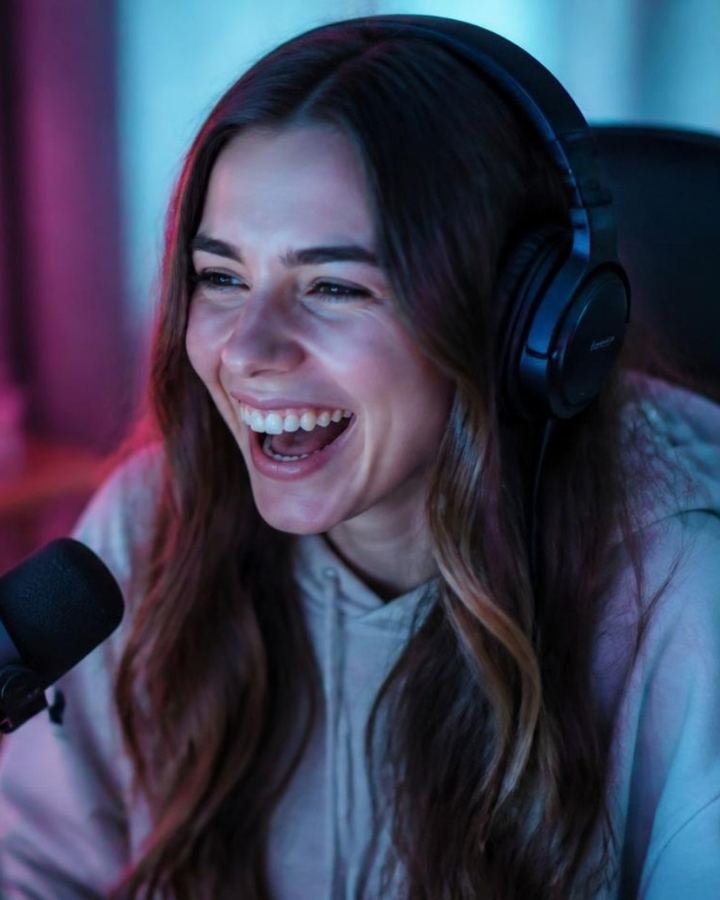 Streamers /highlights
Find your best moments in hours-long VODs.
 Educators /chapters
Auto chapters and captions in 9 languages.
 Cooking Reframe 9:16
Your recipe, reframed vertical for Reels & TikTok.
 Fitness Beat cuts
Beat-synced cuts that keep the energy up.
 Musicians /denoise
Clean audio, no background noise.
 Travel vloggers /magic
From a day of clips to a story, with Magic Flow.
Your niche, your style. Try Pro for $2.99 your first month.
| CutMate | Doing it by hand | Hiring an editor | |
|---|---|---|---|
| Cost | $2.99 first month, then $34/mo | Your hours | Per video |
| Turnaround | Minutes | Hours | Days |
| Leave Premiere | Never | No | You send files |
| Creative control | Full, all editable | Full | Someone else's |
| Captions, titles, chapters | Included | More hours | Costs extra |
Comparing tools? CutMate vs AutoCut · CutMate vs Descript · CutMate vs Submagic · CutMate vs Opus Clip
The full Pro plan, no contracts, no fine print. If it's not for you, cancel from your dashboard before renewal and you won't be charged again.
Prices in USD. MXN is approximate, billed in USD. VAT applies in MX.
Premiere Pro 25 or newer, on Mac (Apple Silicon or Intel) and Windows 10/11.
Your first month on Pro is $2.99 USD (≈ $50 MXN). At renewal we charge $34 USD/mo — switch to Starter ($24 USD/mo) or cancel from the dashboard before then, no extra fees.
Audio is processed for transcription and deleted when done. We don't use your material to train models.
Re-edit a video by chatting with AI: you describe how you want the cut, it proposes a first version, you refine it in natural language.
Clean background noise, generate AI voice-over with curated voices, create SFX from text, detect who speaks and isolate one person on the timeline — all inside the panel, no exporting.
Yes. Cancel from your dashboard in seconds, no calls or emails. You keep access until the end of the period you already paid for.
No. Everything CutMate does lands on your timeline as regular Premiere cuts, clips and tracks. You can review, move or undo it like any other edit.
It transcribes 90+ languages, including Spanish and English, and translates captions to 9 languages.
For podcasts, YouTube, Reels, courses and more
Your next video, edited in minutes. Try the full Pro plan for $2.99 your first month.